

Telegram

WhatsApp

Email

ID SUCCESS · Services

Web applications and customer portals

When a page is no longer enough, a browser tool can help. Customers see orders, employees see tasks and you see progress. The system can start with one clear workflow and grow as needed. An existing program with broken or missing features can also be reviewed and improved.

Explore your workflow ↗

What you receive

A working system with agreed roles, records and actions. Visibility, error handling, hosting and backups will be planned.

Where it helps

A renovation portal, rental calendar, route map, equipment register or event registration. Anonymised spreadsheets and documents are enough for the first conversation.

When a website needs to do useful work

A portal instead of searching through messages

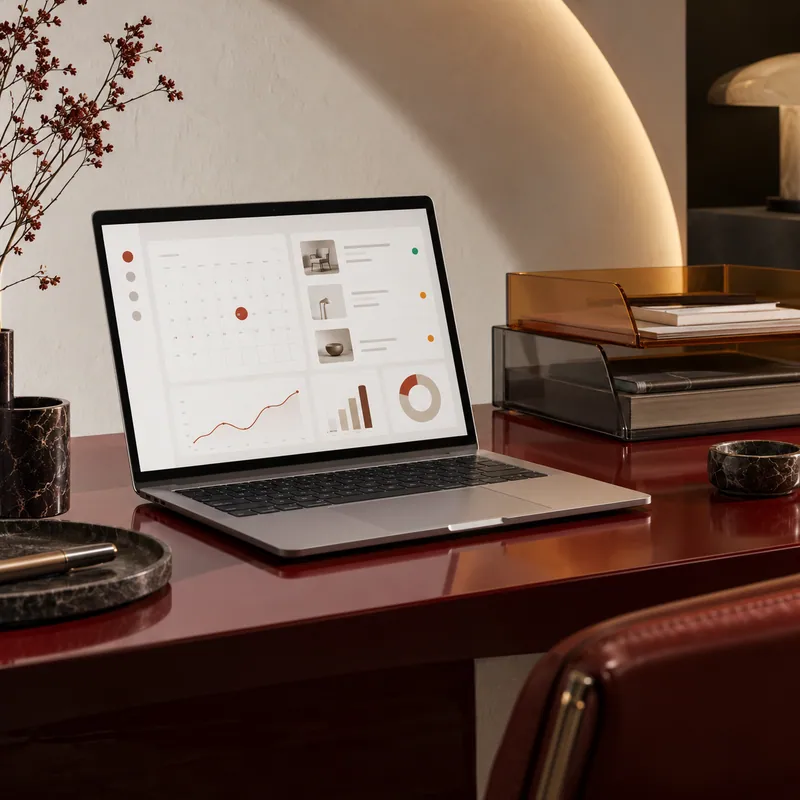
Renovation approvals disappear in messages, documents live in different folders and customers call for order updates. A portal can organise stages, files, comments, appointments and payments around a customer or project. Customers, staff and administrators need different capabilities, so access roles are defined before development.
Bookings and records that handle exceptions

Appointments involve service duration, breaks, cancellations and simultaneous requests. Rental adds deposits, handovers and returns; inventory needs stock levels and movement history. A web application should remain consistent when someone makes a mistake, clicks twice or changes a booking. These exceptions belong in the behaviour specification from the start.

Possible solutions

Turning your existing workflow into an application

Walk through one order from enquiry to completion: who is involved, what they record and where delays occur. Anonymised spreadsheets and forms are useful. This provides the basis for roles, statuses and the most valuable workflow in the first working version.

Checks cover access restrictions, simultaneous actions, cancellations and corrections as well as screens. Backups, data export, hosting and maintenance are agreed separately, so the application remains manageable after launch.

Explore your workflow ↗

Questions about this service

How does a web app differ from a mobile app?

A web application opens through a browser link and can work well on a phone. A separate mobile app makes sense when device features, distribution or everyday usage justify it.

Can the portal connect to the current CRM?

That depends on the available API, permissions and data. The first decision is which system owns each record and which changes must travel in each direction.

Need help?Tell the Master in your own words what help you need

Tell the story in your own words

Describe what is happening now and what you would like to change. One sentence is enough to start; the Master can help clarify the details.

For example:

“I have an idea, but I am not sure where to start.”

“I have a website, but something is not working.”